Knowledge Base Single-sign on Setup
-
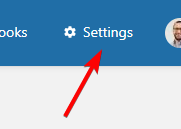
- Select Settings from the top menu
- Select Users from the Settings menu

- Select the required user from the list
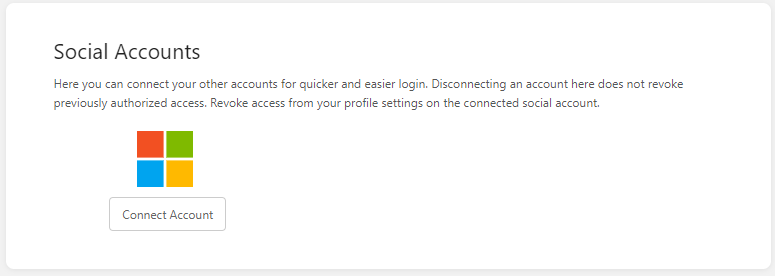
- Click the Connect Account button under the Social Accounts section
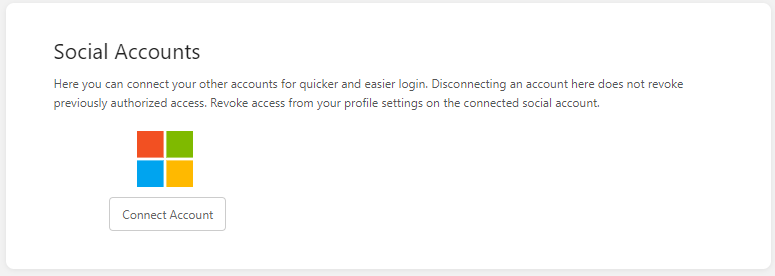
- Follow the Microsoft prompts to enter the users Microsoft Account details
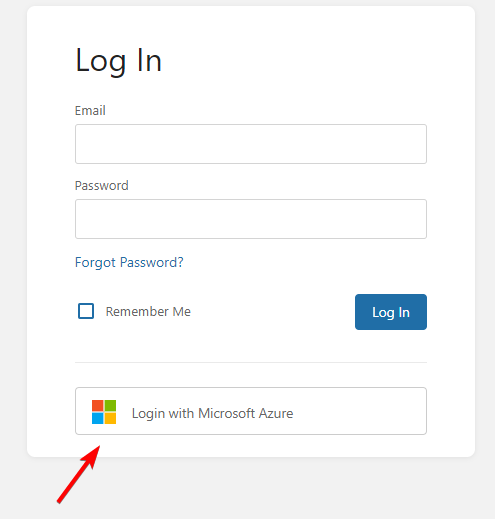
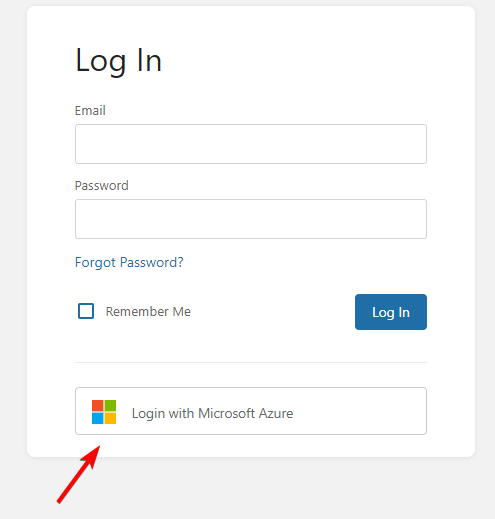
All Done! Now when on the logon screen, the user will have the option to Login with Microsoft Azure
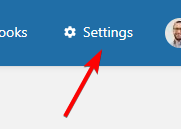
- Select Settings from the top menu